Skip to Content
Registrations Closed

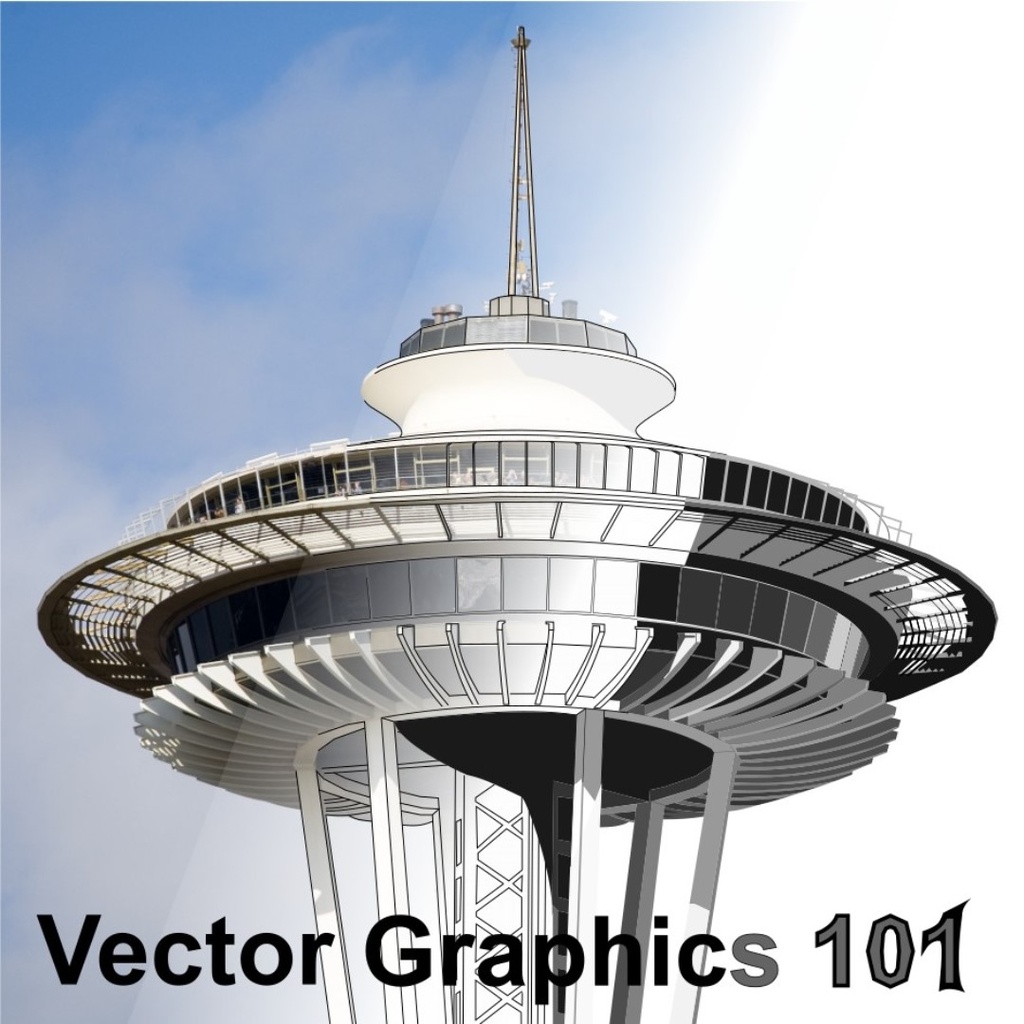
Vector Graphics 101: Learn to Draw on Your Computer With Inkscape

Learn the fundamentals of vector graphics using Inkscape software in this hands-on class.

Add to calendar:
Vector Graphics 101: Learn to Draw on Your Computer With Inkscape

Vector Graphics 101: Learn to Draw on Your Computer With Inkscape

Learn the fundamentals of vector graphics using Inkscape software in this hands-on class.

Pricing
Tuition Assistance and Policies
See more
Cancellation & Other Policies
See more
Registrations Closed

About

We have a lot of machines that can be controlled by computer at BARN. The Metal Shop has CNC (computer numerical control) lathes, milling machines, and plasma cutters. The Woodshop has a CNC router. Electronic & Technical Arts has a small CNC router, 3D printers, and laser cutters. Fiber Arts has a computer-controlled embroidery machine. Getting your design out of these machines starts with capturing your design in a vector graphics application.

The better you understand vector graphics, the easier it is to create a design and have one of these machines turn it into a tangible piece of art.

We'll talk about the differences between vector graphics (lines) and raster graphics (bitmap pictures), and about the common concepts used in all vector graphics software. We'll use Inkscape, a fully featured and free graphics design application that runs on Windows, Mac, and Linux computers.

The emphasis in this introductory class is on building a solid foundation on the basics of creating and editing vector graphics designs.

You'll learn the differences between lines, paths, and shapes, then the basic tools for modifying them in Inkscape. We'll learn a bit, practice, then learn some more. Everyone will take home a copy of the class materials. Because the class is developed using Inkscape, you'll be able to read through the lessons and practice more at home. 

Details

  • Bring a computer/laptop with Inkscape installed
  • This is a great class for complete beginners and those who have tried and struggled to get Inkscape to do what they want.

Class Policies

Ages 14 and up (or 12 and up with a guardian) are welcome.     

Instructor
Mike Schrempp

Mike teaches our LightBurn software class and also enjoys talking about Fusion 360, mechanical design, home-brewing, and Python for Fortran programmers.

Related Events

Check out other events you might be interested in!
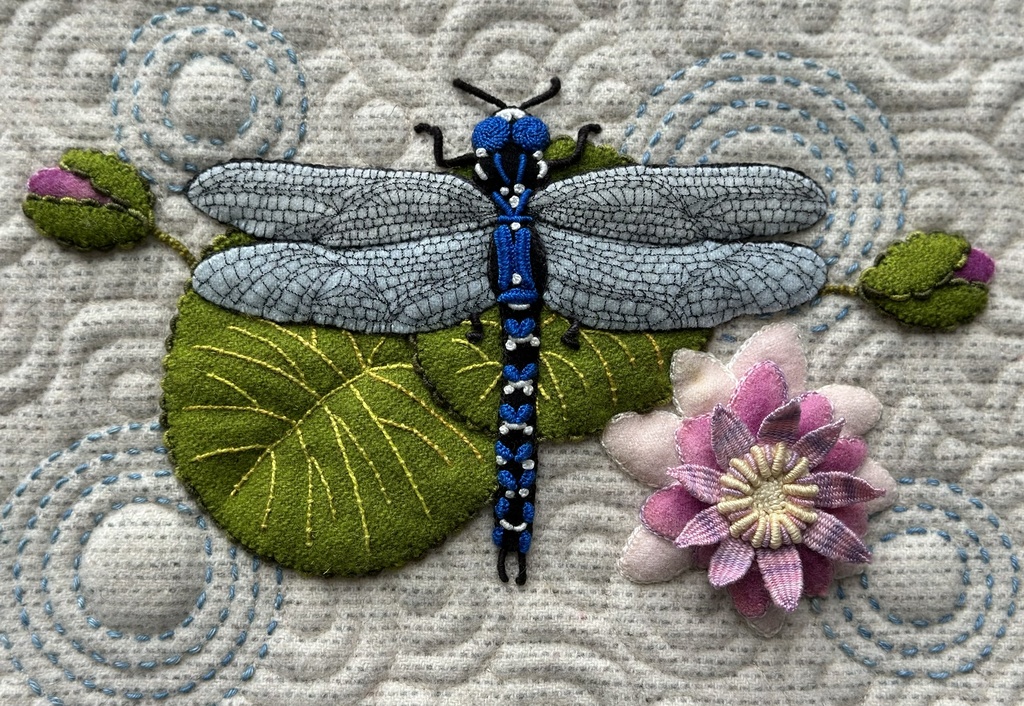
Embellished Wool Appliqué and Embroidery

Lisa Mortell's quarterly workshop offers the best of both worlds: new techniques and one-on-one support where you need it most.

November 19, 2027

Embellished Wool Appliqué and Embroidery

Lisa Mortell's quarterly workshop offers the best of both worlds: new techniques and one-on-one support where you need it most.

August 20, 2027

Embellished Wool Appliqué and Embroidery

Lisa Mortell's quarterly workshop offers the best of both worlds: new techniques and one-on-one support where you need it most.

May 21, 2027

-*