About
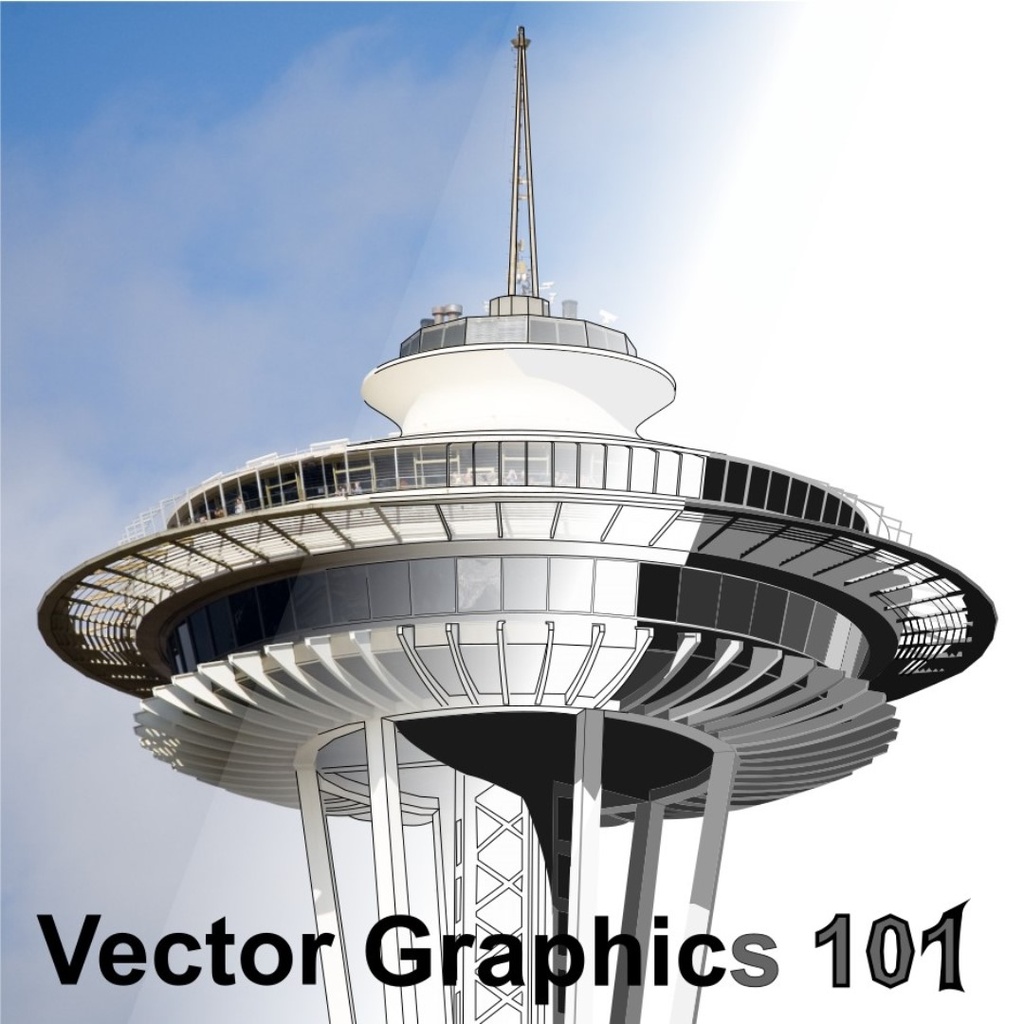
We have a lot of machines that can be controlled by computer at BARN. The Metal Shop has CNC (computer numerical control) lathes, milling machines, and plasma cutters. The Woodshop has a CNC router. Electronic & Technical Arts has a small CNC router, 3D printers, and laser cutters. Fiber Arts has a computer-controlled embroidery machine. Getting your design out of these machines starts with capturing your design in a vector graphics application.
The better you understand vector graphics the easier it is to create a design and have one of these machines turn it into a tangible piece of art.
We'll talk about the differences between vector graphics (lines) and raster graphics (bitmap pictures), and about the common concepts used in all vector graphics software. We'll use Inkscape, a fully featured and free graphics design application that runs on Windows, Mac, and Linux computers.
The emphasis in this introductory class is on building a solid foundation on the basics of creating and editing vector graphics designs.
You'll learn the differences between lines, paths, and shapes, then the basic tools for modifying them in Inkscape. We'll learn a bit, practice, then learn some more. Everyone will take home a USB drive with the class materials. Because the class is developed using Inkscape, you'll be able to read through the lessons and practice more at home after the class.
This is a great class for complete beginners and those who have tried and struggled with getting Inkscape to do what they want.
Details
-
Bring a computer/laptop with Inkscape 1.2.2 installed.
- Students are requested to wear a mask for this class by the instructor.