Skip to Content
Registrations Closed

Making Effective Slide Deck Presentations (Online)

**This workshop will be conducted via live streaming with Zoom.** Whether you're an educator, sales person, board member, artist, photographer or advocate, making presentations w

Starts
Ends
Add to calendar:
Making Effective Slide Deck Presentations (Online)

Making Effective Slide Deck Presentations (Online)

**This workshop will be conducted via live streaming with Zoom.** Whether you're an educator, sales person, board member, artist, photographer or advocate, making presentations w

Pricing
Tuition Assistance and Policies
See more
Cancellation & Other Policies
See more
Registrations Closed

About

**This workshop will be conducted via live streaming with Zoom.**

Whether you’re an educator, sales person, board member, artist, photographer or advocate, making presentations with slide deck software (Keynote, PowerPoint or Google Slides) has become part of your everyday toolkit. While this class will use Apple’s Keynote (ships standard and free on every Mac/iPad) as the demonstration vehicle, the concepts can be easily incorporated into Microsoft’s PowerPoint or Google Slides.

Unfortunately, most presentations lack the impact to make sales, effectively communicate knowledge or change opinions. This workshop will give you the tools that take your presentations to the next level. Through a combination of examples, easy to learn techniques, specific software related tips, your slide decks and the associate narrative will be transformed from amateurish to professional, effective presentations.

Topics:

  • Developing a talk’s purpose and take-aways
  • Complementing your narrative with slides (not duplicating)
  • "Show, don’t tell"
  • Basic considerations - wide vs narrow, dark vs. light, font sizes, graphics
  • How to simplify your slides
  • Effective use of animation
  • Integrating images / graphics from the internet (and making them look polished)
  • Slideware as a graphics editors
  • Tips and Tricks

Details

  • Course consists of four 1 hour sessions on Mondays and Thursdays. Includes one "open lab" on Saturday, June 13 for Q&A and one-on-one help.
  • This class will be taught via the Zoom video conferencing program. For a great video on how to use Zoom, watch this tutorial.
  • An email will be sent to you 1 day before each session start date with the Zoom video conferencing link to join the class. Please watch for this email. 
    If your computer does not have a microphone, you can ask questions via phone or by typing into a chat function. The sign-in will open 15 minutes before the class starts, so that you can test your connection if you wish.

Instructor Bio: Ken Rothmuller

Ken has worked in the computer field (both hardware and software) for over 40 years. He was employed at both large and small companies in Silicon Valley (HP, Oracle, Adobe, Motorola, National Semiconductor, Apple early days, Network Computer and Fotiva - co-founder). 

While working, he taught after-hours courses at Stanford and University of Santa Clara. In addition, Ken was an adjunct professor at Cal Poly for six years. You can reach Ken at krothmuller@gmail.com if there are questions.


Image (top right) Credit Pexels.com

Related Events

Check out other events you might be interested in!
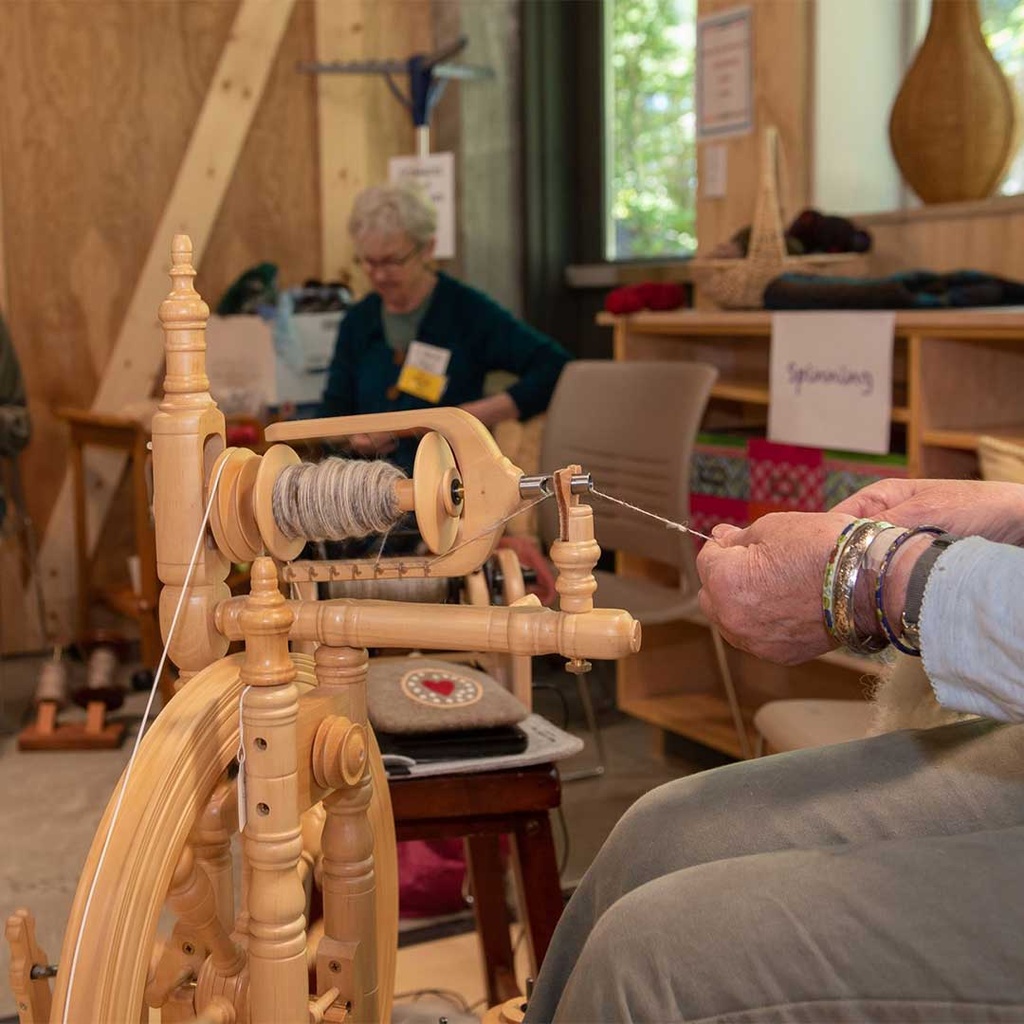
Open Studio: Vitrigraph Kiln Pull

Curious about what a pull from the vitrigraph kiln entails? Come give it a try!

January 25, 2027

Open Studio: Slow-Stitch Wednesday

Bring your handwork projects and stitch with your BARN friends.

December 30, 2026

Watercolor Open Studio

Gather with other artists each week to paint and occasionally learn new techniques.

December 29, 2026

-*