About
This class has prerequisites. Please see below.
Learn the basic features of LightBurn, essential software that controls both of our new laser machines. This is the software you'll use whether you are quickly cutting out some parts for your project or are fine tuning your complex etching. LightBurn software replaces RetinaEngrave you may have used previously.
This class will get you started and will help you implement your own creative laser designs. This class is not a substitute for "Intro to the Laser Cutter".
Who should take this class?
If you took "Intro to the Laser Cutter" on the Full Spectrum Laser, this class can get you up and running with our new laser cutters. If you've taken "Intro to the Laser Cutter" on the new lasers and are ready to see how to get more from LightBurn, this class is for you. If you used Inkscape and RetinaEngrave with the FSL and didn't like the software, this class is for you. If you loved using Inkscape and RetinaEngrave, you'll learn how LightBurn fits into your workflow.
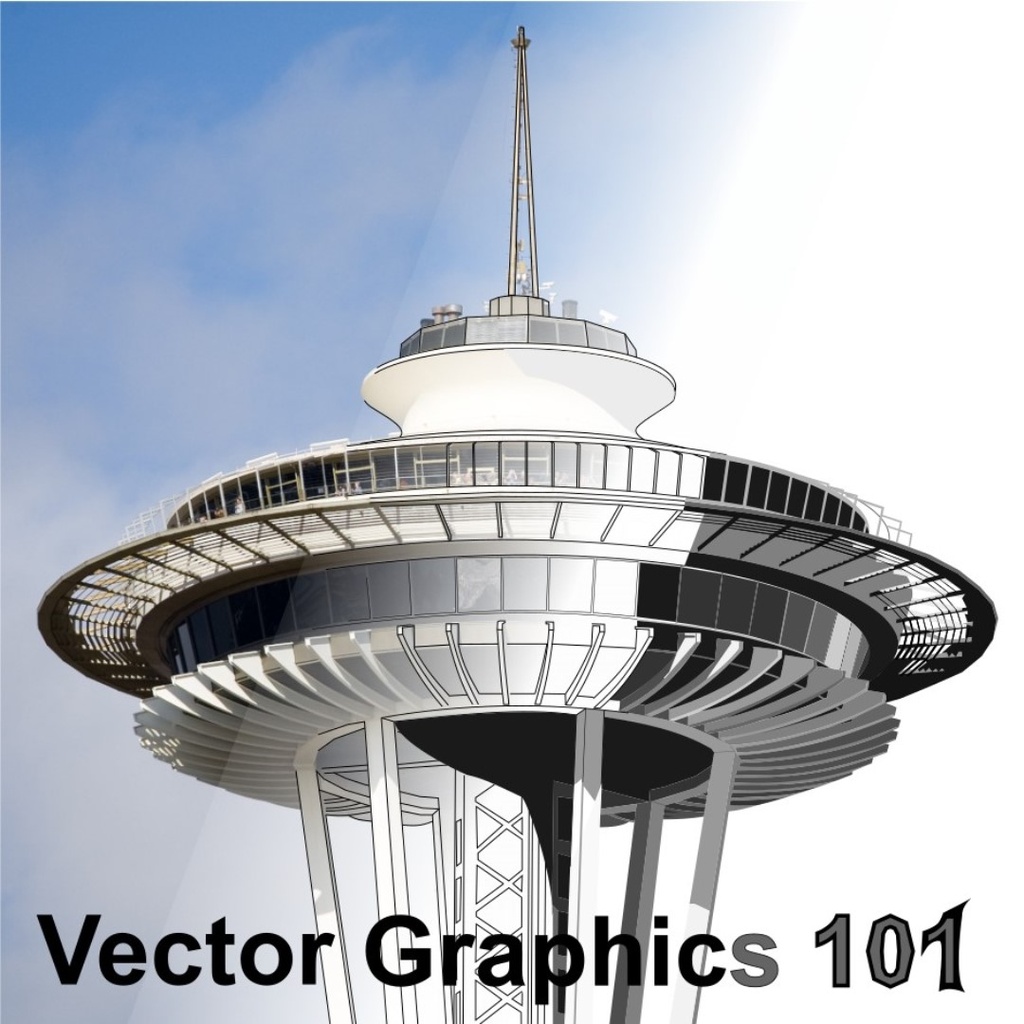
The class covers the basics of LightBurn in the laser cutter workflow. It also covers setting laser parameters for cutting and engraving, importing your designs, vector graphics (line art) vs raster graphics (pixel art), manipulating shapes and tuning images, using the laser libraries, and previewing your work.
Prerequisite: Laser 101: Intro to Laser Cutter Operations. Please login to your BARN account and click on "My event registrations" to ensure you have completed the required prerequisites before you register for this class.
Details:
- Class size is limited to 6.
- Students should bring a laptop with LightBurn downloaded: https://lightburnsoftware.com/pages/trial-version-try-before-you-buy
-
Please click here for BARN's current COVID-19 health & safety protocols.
-
Students are requested to wear a mask for this class by the instructor.
-
BARN is committed to accessibility. Tuition Assistance is available - click here to fill out the simple application before registering for a class. For those who might need physical assistance, please learn about BARN's Companion Program here.
Instructor:
Mike Schrempp is enjoying retirement after spending 39 years in the design and development of computers. He’s done product development, mechanical part design, engineering management, and architected servers used in big data centers at Amazon and Microsoft. Now he enjoys making things -- from wood, plastic, metal, food, and Python code -- and showing others some of the tricks he’s learned along the way.