Skip to Content
Registrations Closed

Intro to FUSION 360 CAD/CAM for CNC Machines

Learn the basic features of Fusion 360, a 3-D design program that will allow you to design objects on a computer screen and turn into items made of metal, wood, plastic or even mol

Starts
Ends
Add to calendar:
Intro to FUSION 360 CAD/CAM for CNC Machines

Intro to FUSION 360 CAD/CAM for CNC Machines

Learn the basic features of Fusion 360, a 3-D design program that will allow you to design objects on a computer screen and turn into items made of metal, wood, plastic or even mol

Pricing
Tuition Assistance and Policies
See more
Cancellation & Other Policies
See more
Registrations Closed

About

Learn the basic features of Fusion 360, a 3-D design program that will allow you to design objects on a computer screen and turn into items made of metal, wood, plastic or even molds for casting.

Fusion 360 can generate g-code for computer-controlled tools at BARN including the plasma cutter in the Welding Studio, the milling machine in the Metal Machining Studio, or the CNC router in the Woodworking Studio. You can also use Fusion 360 to design objects for BARN's 3-D printers. 

Please note: You must bring a laptop computer with a mouse and a working copy of Fusion 360 already downloaded to that computer. This is critical as no computers are provided, and the design program does not work well with a trackpad. There is no time during the class to download the program. If you have questions or run into problems downloading the program, please use this form to contact the instructor for help. You can download a free trial by clicking here. Look towards the middle of the screen and click on "Create an Account". AutoDesk will send you a confirmation email. Click on the link and go to Download Free Trial. Be sure you choose "Fusion 360 for personal use".

This is a two-session class, designed to allow you to work with the program after the first session and get help with roadblocks or answers to your questions at the second session. Allow time between the sessions to work on your project, which you will get at the first session. A learning reference will be provided on the techniques covered in the class, including: 

  • Basic design concepts
  • Step-by-step creation of a CAD design
  • Additional learning resources so you can fast-track your proficiency in Fusion

Details:

  • Please click here for BARN's current COVID-19 health & safety protocols. 

  • Tuition assistance is available. Click here to fill out our simple application before you register.

Instructor: Doug Salot has adopted Fusion 360 as a lifestyle. He has used it to design signs, cabinets, and replacement parts for various broken things. You'll often find him in ETA using the laser cutter or in the woodshop carving things on BARN's CNC router.

----------------------------------------------------


Related Events

Check out other events you might be interested in!
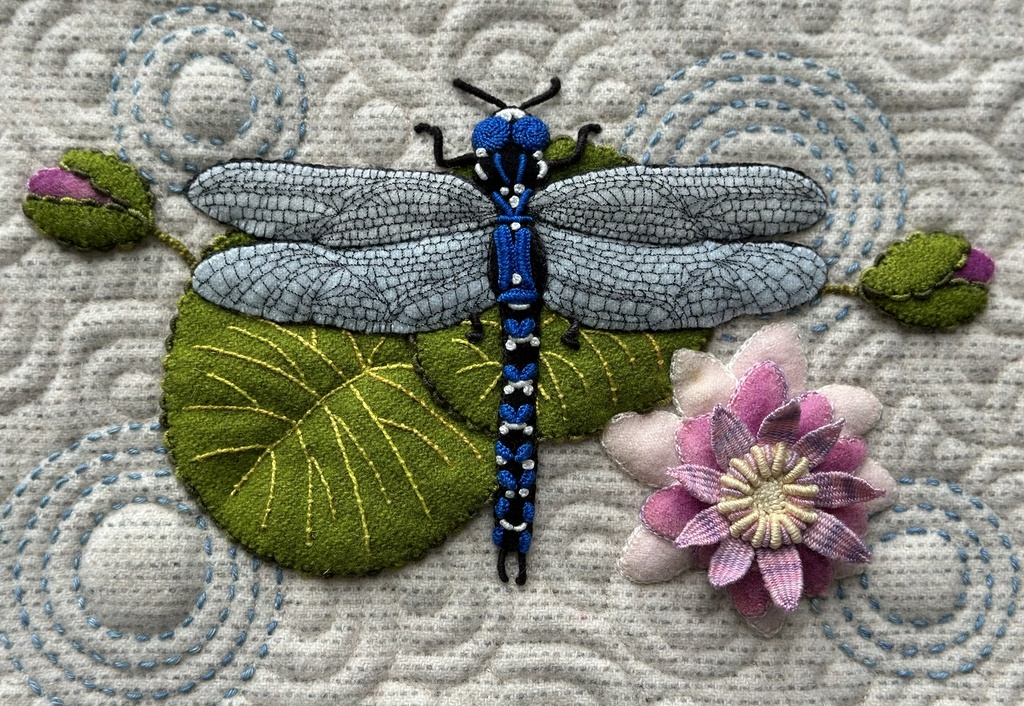
Embellished Wool Appliqué and Embroidery

Lisa Mortell's quarterly workshop offers the best of both worlds: new techniques and one-on-one support where you need it most.

November 19, 2027

Embellished Wool Appliqué and Embroidery

Lisa Mortell's quarterly workshop offers the best of both worlds: new techniques and one-on-one support where you need it most.

August 20, 2027

Embellished Wool Appliqué and Embroidery

Lisa Mortell's quarterly workshop offers the best of both worlds: new techniques and one-on-one support where you need it most.

May 21, 2027

-*