Skip to Content
Registrations Closed

Intro to Computer Aided Design (CAD) for Non-Techies

This class will be rescheduled in the near future. Intro to Computer Aided Design (CAD) for non-techies Course Description No experience with computer design is necessary fo

Add to calendar:
Intro to Computer Aided Design (CAD) for Non-Techies

Intro to Computer Aided Design (CAD) for Non-Techies

This class will be rescheduled in the near future. Intro to Computer Aided Design (CAD) for non-techies Course Description No experience with computer design is necessary fo

Pricing
Tuition Assistance and Policies
See more
Cancellation & Other Policies
See more
Registrations Closed

About

This class will be rescheduled in the near future.

Intro to Computer Aided Design (CAD) for non-techies

Course Description 

No experience with computer design is necessary for this class. This beginning level class is designed for anyone interested in designing their own creations and printing them on a 3D printer. 

It is for non-techies and is meant to get you started with both computer aided design (CAD) and with 3D printing. Learn how to create 3D files and create a finished product on the 3D printer. This is a class for those that want to learn to create custom objects using software that does not have a steep learning curve. By the end of this class, you will be independently creating objects ready for 3D printing. 

This class was created because people come in to ETA expressing interest in learning to design custom objects such as jewelry, buttons for clothing, home hardware and game pieces.

We’ll introduce computer aided design (CAD) using Tinkercad, a free program that is easy to work with for those new to CAD. TinkerCAD is not as powerful as programs like Fusion360, but it has many capabilities, is less overwhelming to beginners and serves as a good foundation for learning about computer aided design. At the conclusion to the class, we will have time to print one or two of your creations on the 3D printer.

Important: Before coming to class

·  Go to Tinkercad.com and create a free account. Bring your log in details to class with you.

Preference is to bring in your own laptop capable of running Tinkercad. ETA has 4 computers available for use but they are spread out in the studio and class size maximum is 6 tinkerers.

Materials: Students should bring a Windows or Apple laptop to class with them. 

Skill Level: Beginnner

Ages: Ages 14+ welcome.

Instructor Bio:

Tim Strevell is a member of the Electronic Arts Steering Committee. He is a retired high school science teacher. Tim loves all things to do with electronics, computers and science and enjoys sharing learning with others.

TS

Related Events

Check out other events you might be interested in!
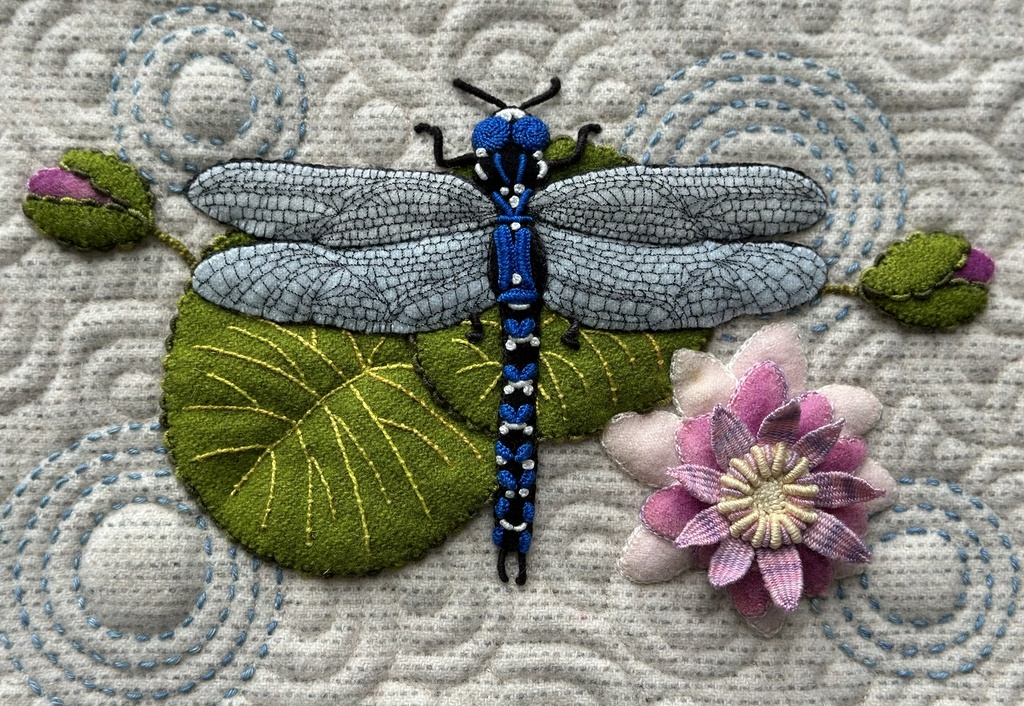
Embellished Wool Appliqué and Embroidery

Lisa Mortell's quarterly workshop offers the best of both worlds: new techniques and one-on-one support.

November 19, 2027

Embellished Wool Appliqué and Embroidery

Lisa Mortell's quarterly workshop offers the best of both worlds: new techniques and one-on-one support.

August 20, 2027

Embellished Wool Appliqué and Embroidery

Lisa Mortell's quarterly workshop offers the best of both worlds: new techniques and one-on-one support.

May 21, 2027

-*