Fusion Basics Beginner
Learn Fusion, a 3D design program that lets you turn designs into items made of metal, wood, plastic, or molds.


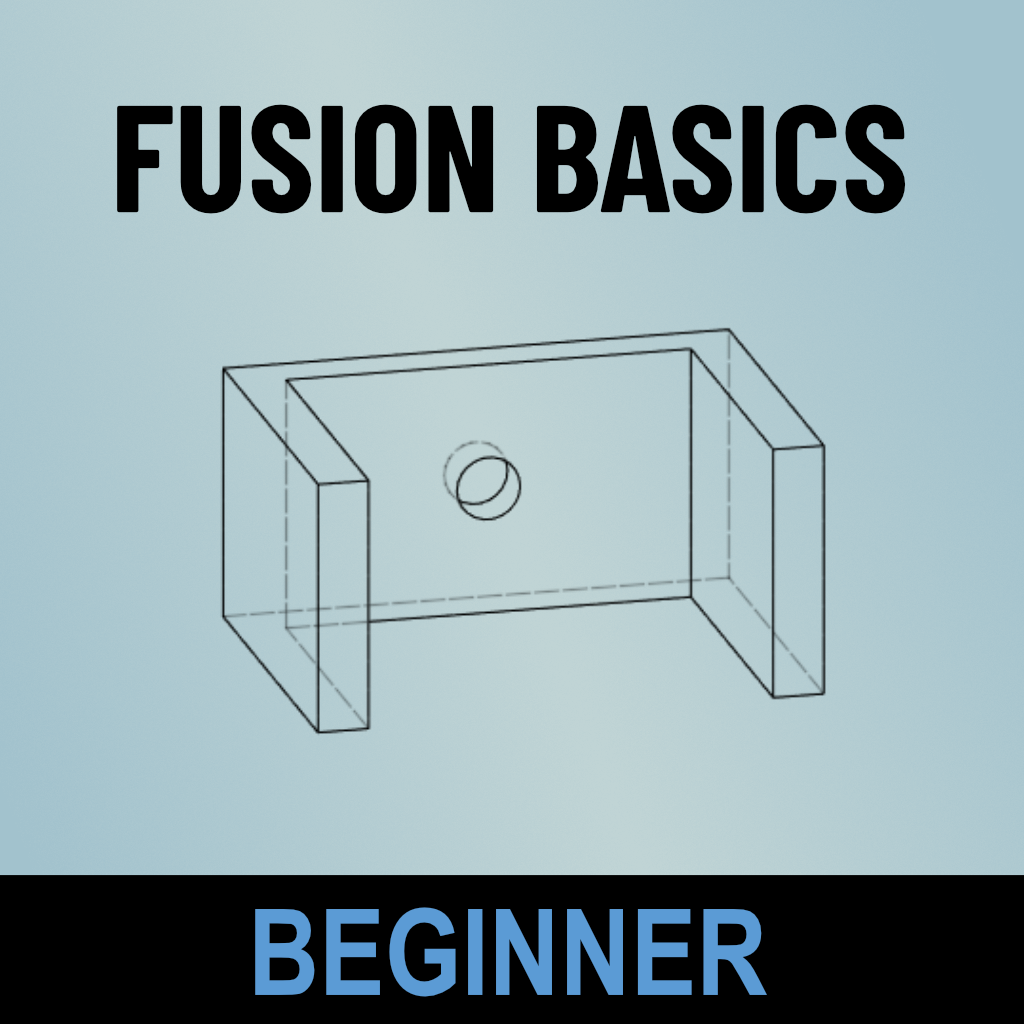
Fusion by Autodesk is an incredibly powerful tool for designing two- and three-dimensional objects for visualization or for manufacturing on 3D printers, laser cutters, CNC (computer numerical control) machines, plasma cutters, and more.
This is the first in our series on Fusion Basics — Beginner, Intermediate, and Advanced. No prior experience with the software is necessary.
In this course, you'll learn:
- How to navigate the user interface.
- Understanding core design principles.
- Fundamentals of sketching and modeling.
- How to get started with 3D printing.
You'll receive links to instructor notes and a collection of exercises to build your skills. The format is primarily lecture with a bit of time near the end for hands-on practice and questions. This course will start you on your journey into the world of digital design!
Details
- Bring a laptop with Fusion already loaded. This is critical as no computers are provided, and the program does not work well with a trackpad. There will not be time during class to download the program.
- You can download a free trial directly from Fusion. Click "Get started" under the column "Fusion for Personal Use." It will walk you through the process including creating an account and sending you a confirmation email.

Instructor
Jeremy Foster, a software engineer at Microsoft and a maker at heart, has been designing and making "things" for the Internet of Things for more than a decade. Formerly on the Fusion 360 team's Advisory Board, Jeremy tries to stay current on everything Fusion 360 has to offer hackers and makers like us.
Related Events
Check out other events you might be interested in!
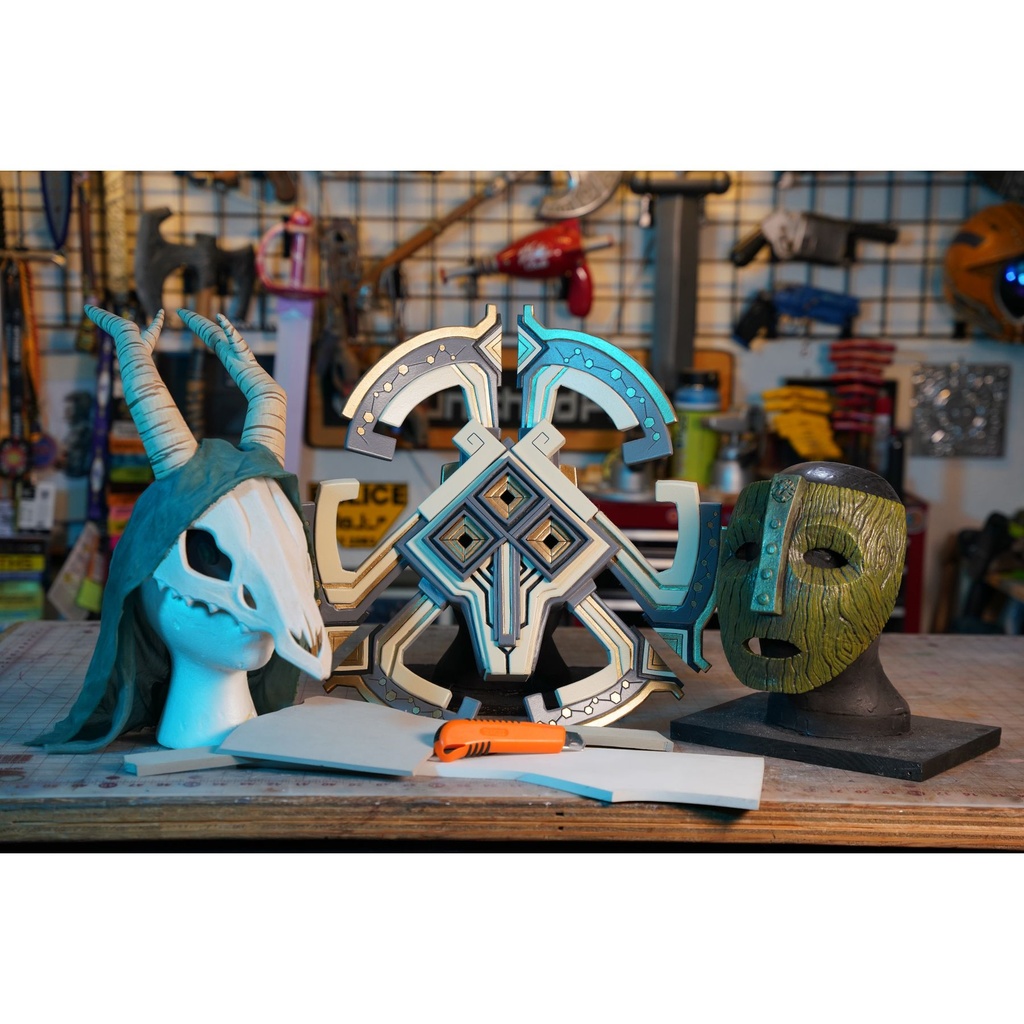
Foamsmithing 101: Masks
Arm yourself with the skills to transform flat sheets of EVA foam into wearable costume art.
April 12, 2027
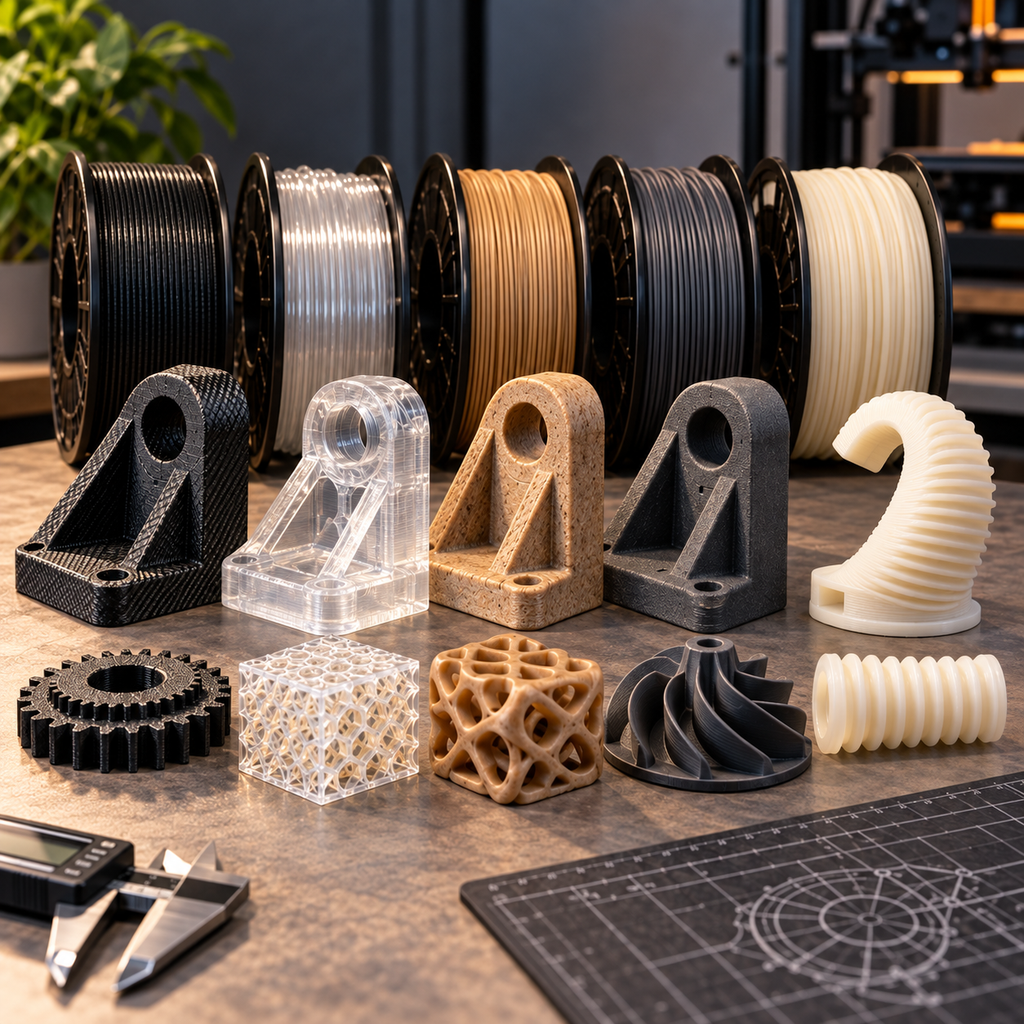
3D Printing: Advanced Materials
Move beyond basic PLA and PETG, and print with more advanced materials.
December 15, 2026

Tech Lab Orientation
This free orientation, designed as a user's guide to the Tech Lab, is highly recommended for all studio participants.
December 06, 2026