Skip to Content
Registrations Closed

CNC 102: VCarve Pro for CNC Router

Learn how to use VCarve Pro software to design a project from scratch.

Starts
Ends
Add to calendar:
CNC 102: VCarve Pro for CNC Router

CNC 102: VCarve Pro for CNC Router

Learn how to use VCarve Pro software to design a project from scratch.

Pricing
Tuition Assistance and Policies
See more
Cancellation & Other Policies
See more
Registrations Closed

About

This class has a prerequisite. Please see details below.

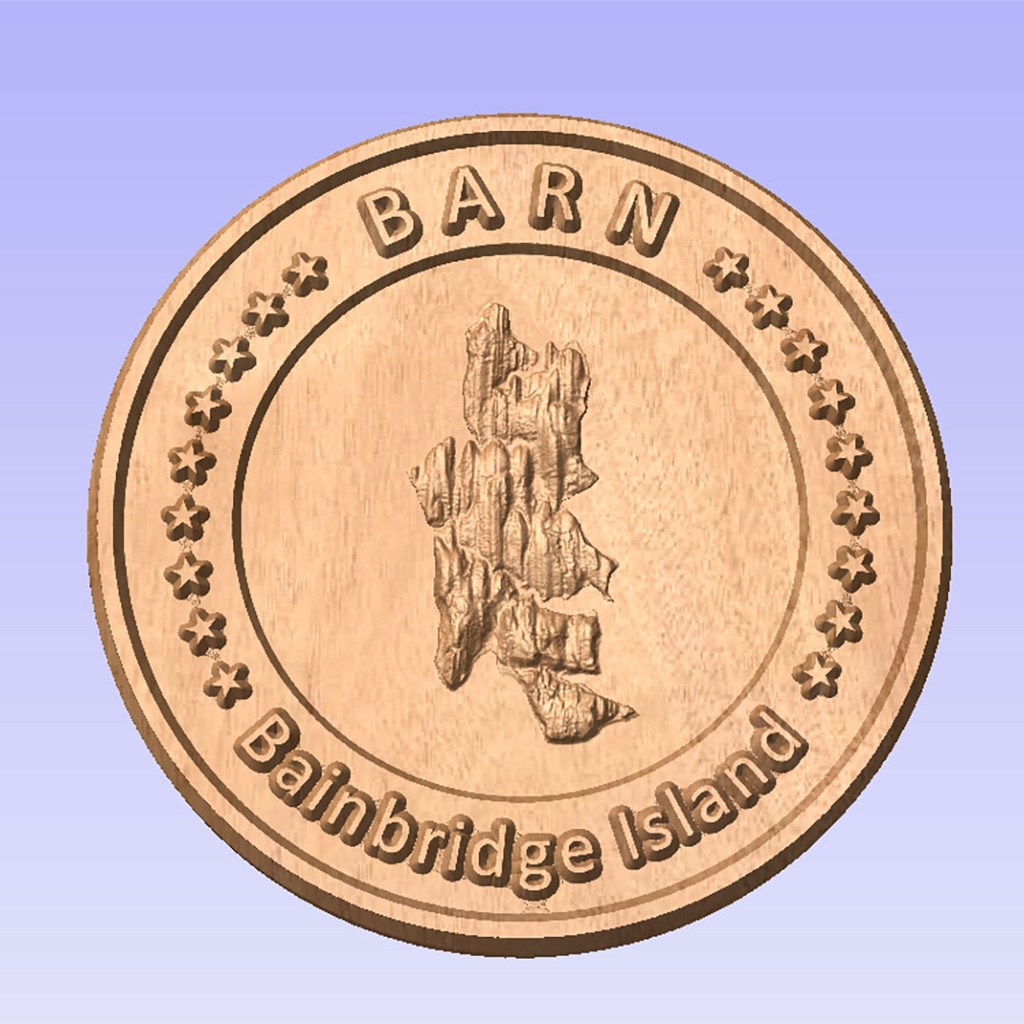
This class focuses on how to use the VCarve Pro software to design a project from scratch. You will learn how to create a CNC job, design vectors using basic shapes and basic text, edit and transform vectors, import 3D clipart and models, create tool definitions, create and manage toolpaths, and save g-code for machining on a CNC router. You will not run the router, but this class does qualify you for future studio-specific classes using CNC routers. If you want to go to the next step as quickly as possible, you may wish to register for CNC103: Making Inlays Using VCarve Pro and the CNC Router, which will be offered the following week. In that class, you will design an inlay project in VCarve Pro and then cut it on the CNC router in the Woodworking Studio.
Please note: To take this class, you must have use of a laptop computer with a mouse and a working copy of VCarve Pro 10 already downloaded to that computer. Download a free trial at www.vectric.com. The software requires a PC or a MAC that has Windows installed. There is no time during the class to download the program. If you have questions or run into problems downloading the program, please email eta.programming@bainbridgebarn.org to contact the instructor for help.

Details:

  • Open to students 14 years old and older who have taken CNC 101: Make a Sign OR previous CAD or VCarve experience would be useful.
  • Please click here for BARN's current COVID-19 health & safety protocols. 
  • BARN is committed to accessibility. Tuition Assistance is available - click here to fill out the simple application before registering for a class. For those who might need physical assistance, please learn about BARN's Companion Program here.

Instructor: Al Ebken is a retired ocean engineer with many years of computer and computer-aided design experience. (In the picture, he's using the Woodworking Studio's CNC router to make parts for face shields to protect against coronavirus infection. 

Related Events

Check out other events you might be interested in!
Crafting with the Cricut

Join us for this 24 hours Event Every year we invite our community, partners and end-users to come and meet us! It's the ideal event to get together and present new features, roadm

October 14, 2026

CNC 101: Make a Sign

Learn the basic features of VCarve Pro, a popular program used for computer-controlled routers.

October 06, 2026

Vector Graphics 101: Computer Drawing With Inkscape

Learn the fundamentals of vector graphics using Inkscape software in this hands-on class.

September 26, 2026

-*