About
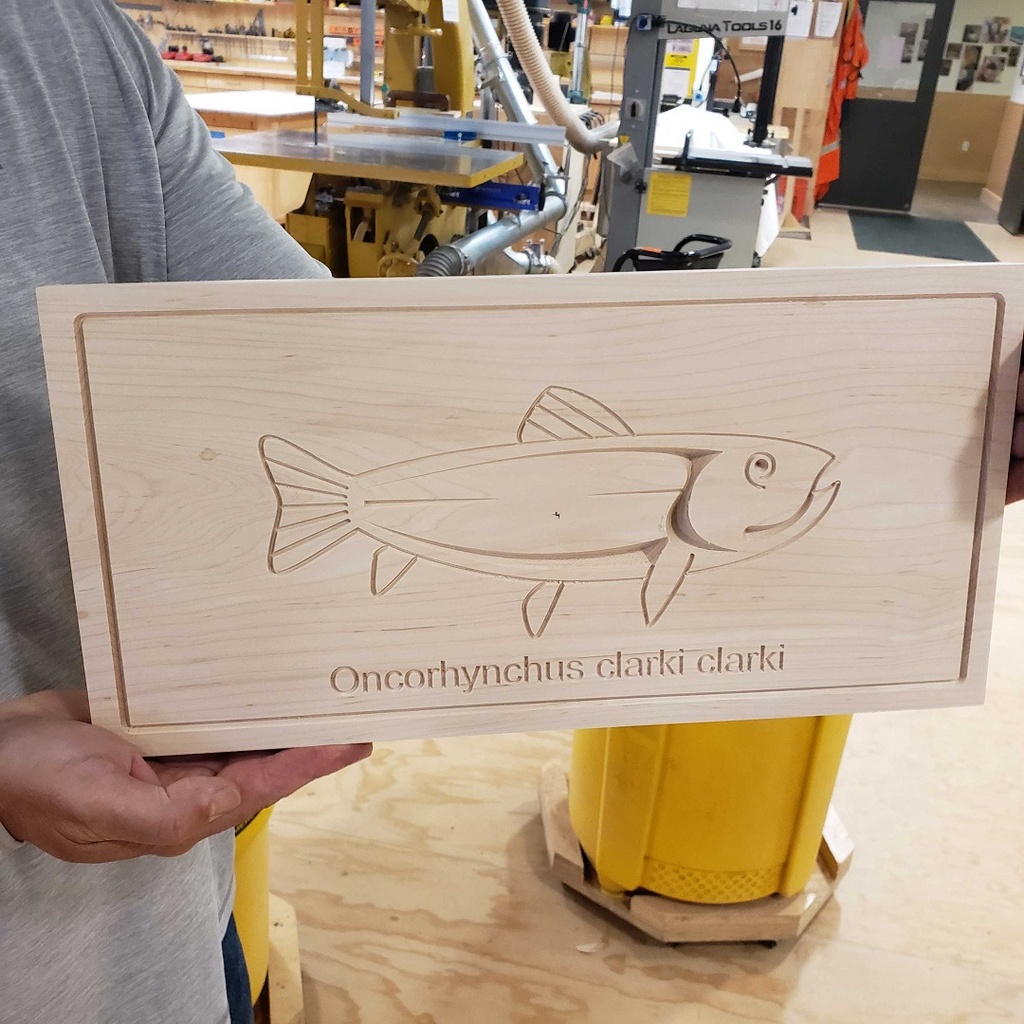
VCarve Pro is used to make signs, engravings, intricate inlays, and imported 3D shapes and models. It's easier to learn than Fusion 360, the other 3D design program taught at BARN, and can be used for projects on both the large CNC (computer numerical control) router in the Woodworking Studio and the small CNC router in the Tech Lab.
Session 1 is in the Tech Lab so you can use the VCarve Pro software to design an 8" x 16" sign and prototype your design on the laser cutter. In Session 2, we meet in the Woodworking Studio to carve it on the CNC router.
Details
- You'll need a laptop computer with a mouse and a working copy of VCarve Pro 11 already downloaded (after you're registered for the class, the instructor will email you a link where you can download the latest free trial version from Vectric). The software requires a PC or a MAC that has Windows installed. There is no time during class to download the program.
- If you have questions or run into problems downloading the program, email the instructor for help.
- If you don't have a laptop you can bring to class, you may use a Tech Lab desktop computer with the software already loaded.
Details
A materials fee of $10 is included in the class fee and covers everything you need.
Class Policies
Ages 14 and up are welcome.