Skip to Content
Registrations Closed

Build Your Own Electro-Mechanical FerryClock

Come build your own state-of-the-art electromechanical ferry-tracking apparatus!

Add to calendar:
Build Your Own Electro-Mechanical FerryClock

Build Your Own Electro-Mechanical FerryClock

Come build your own state-of-the-art electromechanical ferry-tracking apparatus!

Pricing
Tuition Assistance and Policies
See more
Cancellation & Other Policies
See more
Registrations Closed

About

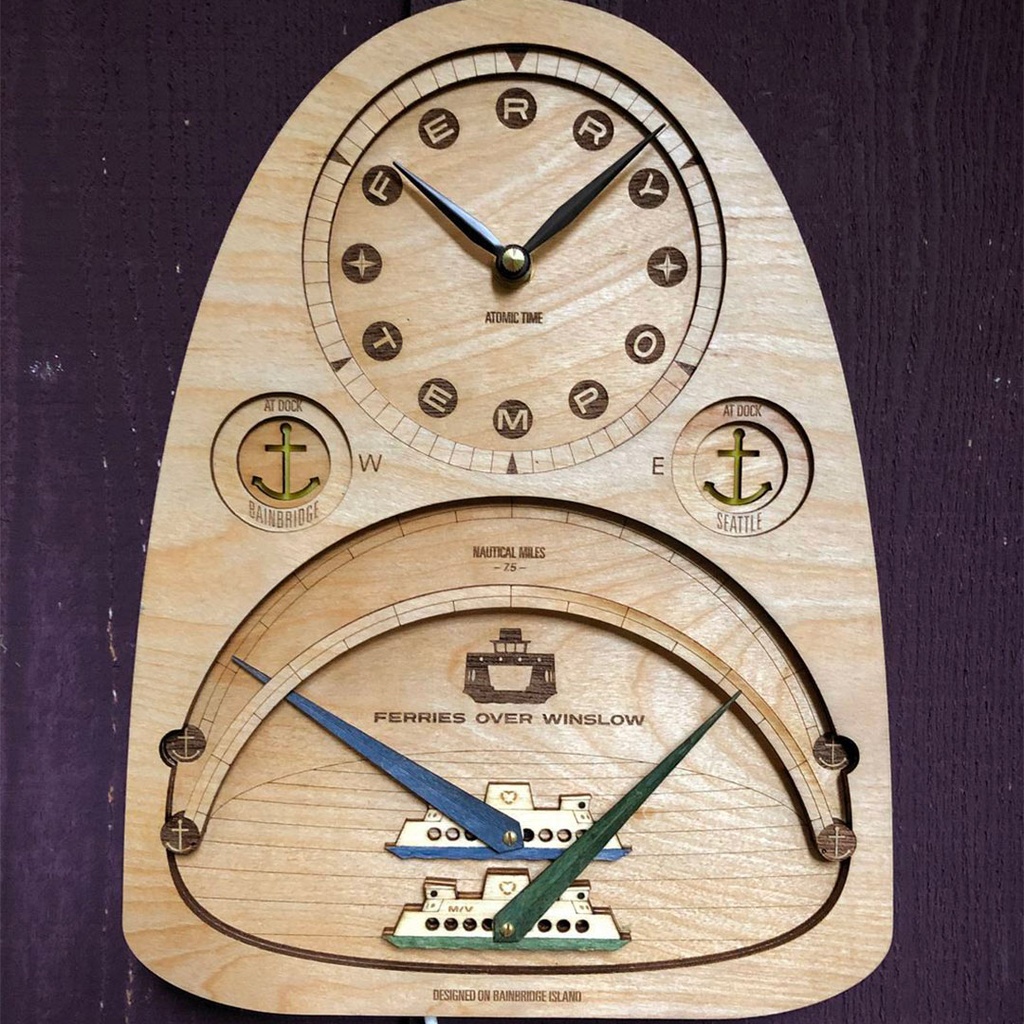
FerryClock™ is a self-setting analog wall clock with additional dials and lights to indicate the real-time position, heading, and docking status of the two Bainbridge-Seattle ferryboats (additional routes coming soon). It should prove ferry useful in your own home. 

From a kit, we will assemble, wire, and solder the gadgets. At home, you will ‘launch’ your FerryClock™ by connecting it to your wireless network (internet). 

How does it work? A proprietary algorithm (conceived by a member of the Bainbridge High School robotics team the Spartronics) running in the cloud continually compares the up-to-the-minute (every 15 seconds) latitude/longitude (GPS) location of a real ferryboat (via the Washington State Ferries API) against a reference path to generate a precise sailing progress value. A small, Arduino-compatible microcontroller within FerryClock™ connects to the FERRY TEMPO server over WiFi to receive fresh data, controlling the lights and motors accordingly.

Details

A materials kit fee of $125 is included in the cost of the class. It includes  laser-cut parts, motors, lights, wires, hardware, microcontroller, USB cable, "atomic" clock mechanism, hands, battery, and literature.

Class Policies

  • Ages 14 and up are welcome.
Instructor
Matthew Carrig

Matt is a multi-disciplinary designer. Read more at ferries-over-winslow.org

Related Events

Check out other events you might be interested in!
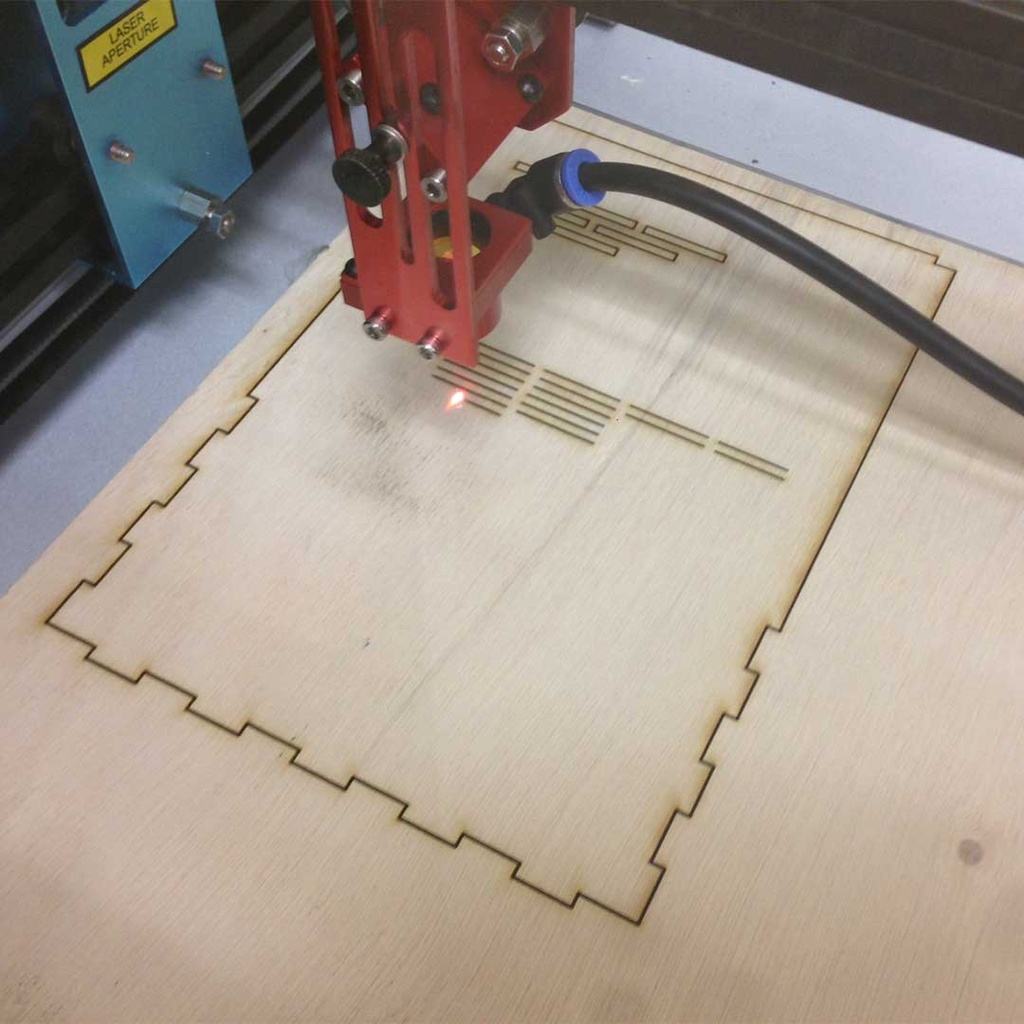
Laser 101: Intro to Laser Cutter Operations

Learn how to use BARN’s laser cutter safely, make a small item, and start qualifying to use it independently.

November 14, 2026

Vector Graphics 101: Computer Drawing With Inkscape

Learn the fundamentals of vector graphics using Inkscape software in this hands-on class.

November 08, 2026
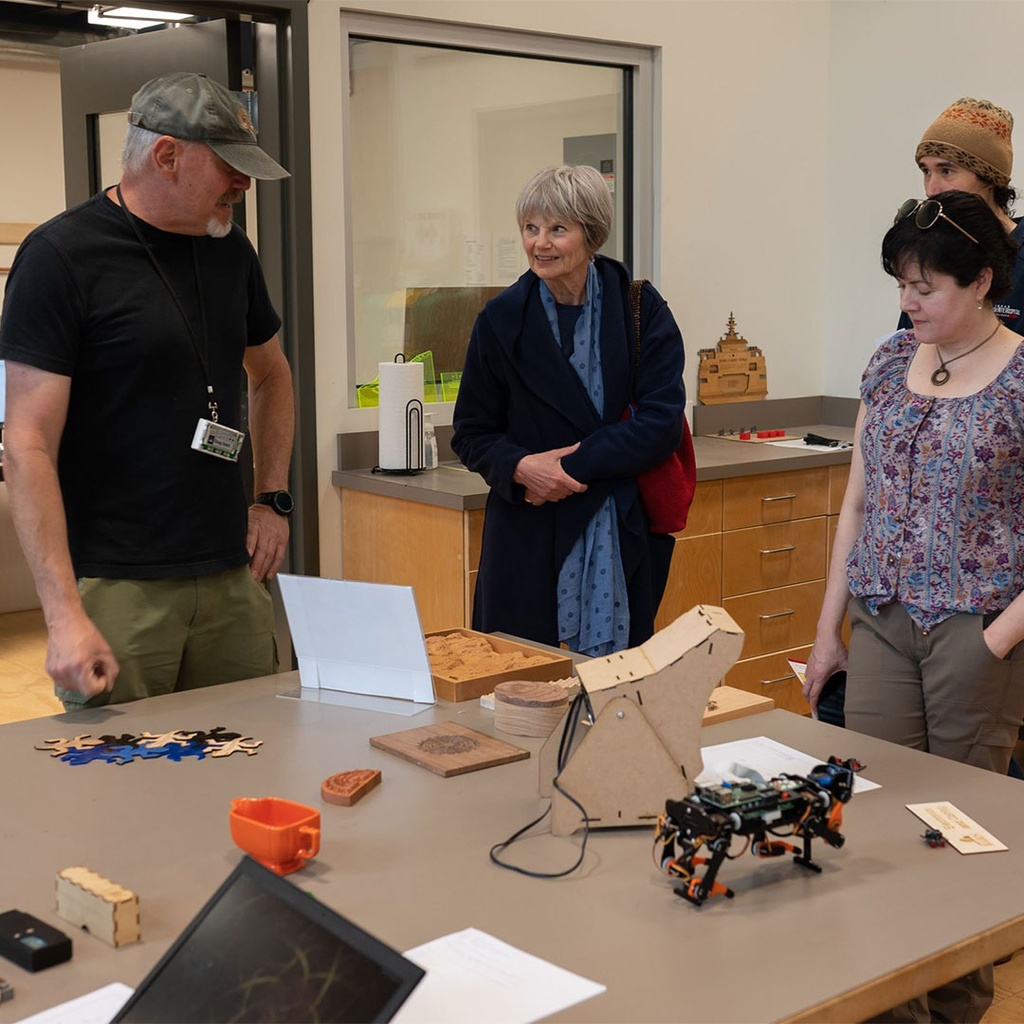
Tech Lab Orientation

This free orientation, designed as a user's guide to the Tech Lab, is highly recommended for all studio participants.

November 07, 2026

-*