Skip to Content
Registrations Closed

3D Printing 102: Using PrusaSlicer

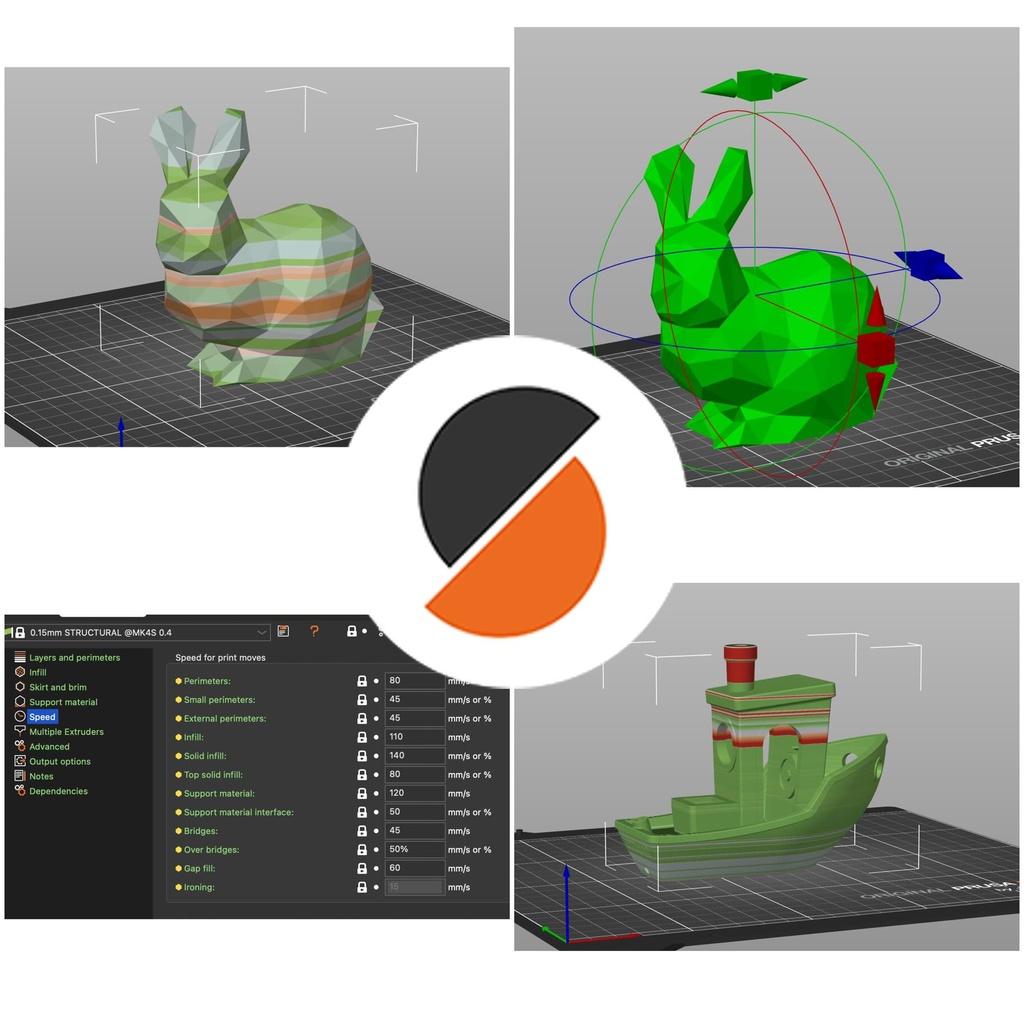
Master PrusaSlicer, a free 3D printing software that converts 3D CAD models into printable G-code instructions.

Add to calendar:
3D Printing 102: Using PrusaSlicer

3D Printing 102: Using PrusaSlicer

Master PrusaSlicer, a free 3D printing software that converts 3D CAD models into printable G-code instructions.
Pricing
Tuition Assistance and Policies
See more
Cancellation & Other Policies
See more
Registrations Closed

About

Learn how to configure PrusaSlicer and execute the full basic workflow, from loading a model and setting core parameters to slicing, inspection, and exporting the final print file.

The course includes a detailed exploration of the user interface for managing printer, filament, and print settings, as well as hands-on projects for manipulating objects and using advanced features like supports, infill, and variable layer height.

Details

  • Bring a laptop with PrusaSlicer downloaded.
  • There will be some workstations in the studio available for use. Please email Rick at rgordon@bainbridgebarn.org ahead of time if you need a workstation.

Prerequisites

Introduction to 3D Printing or basic 3D printing experience.

Class Policies

Ages 14 and up are welcome.

Instructor
Rick Gordon

Related Events

Check out other events you might be interested in!
Tech Lab Open Studio

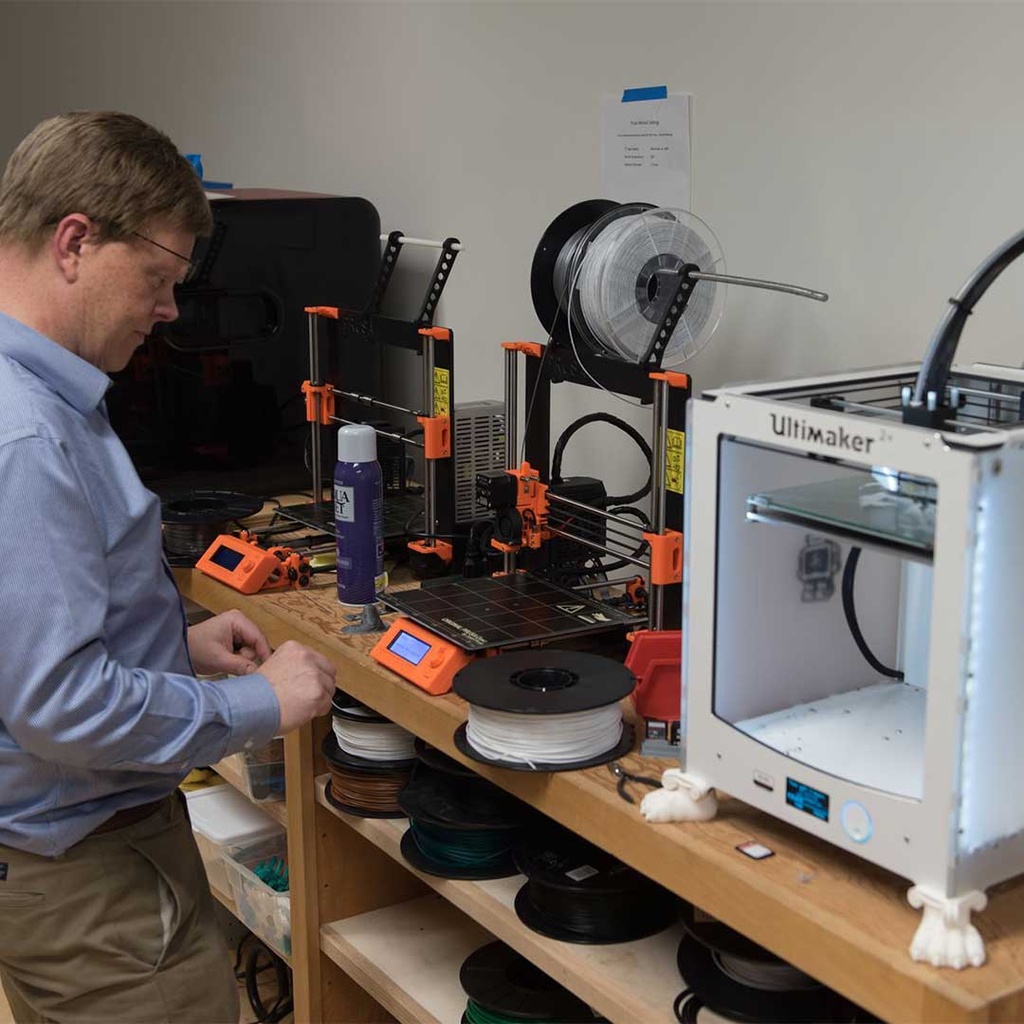
Tech enthusiasts of varying skill levels and interests can work on projects using studio tools and equipment.

July 26, 2026

Introduction to 3D Printing

Get introduced to three-dimensional printing by seeing BARN's printers up close.

July 25, 2026

Tech Lab Open Studio

Tech enthusiasts of varying skill levels and interests can work on projects using studio tools and equipment.

July 24, 2026

-*